


|
|||||||
|
KONTAKT 5.8.1 96kHz / 24bit User Guide ↓ |
|||||||
|
¥6,600 (JPY)
|
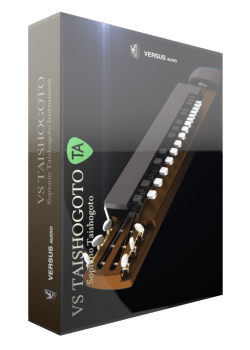
VS TAISHOGOTO |
||||||
|
*Note: If launched with the product "KONTAKT PLAYER" with PLAYER appended to the product name, it will be a demonstration operation and can not use the full version. Please note that "KONTAKT" is required to use the full version.
* The version was upgraded to v2 on 2021/12/18 and the operating condition became "Kontakt 5.8.1 or later". If you are using "Kontakt 4.2", please use the included v1.
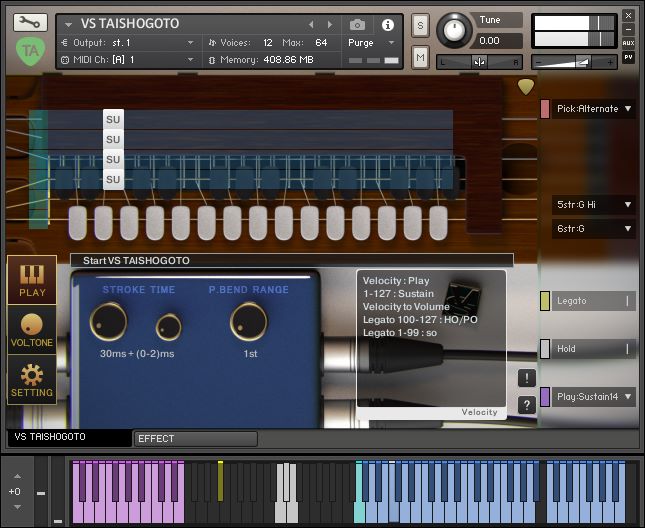
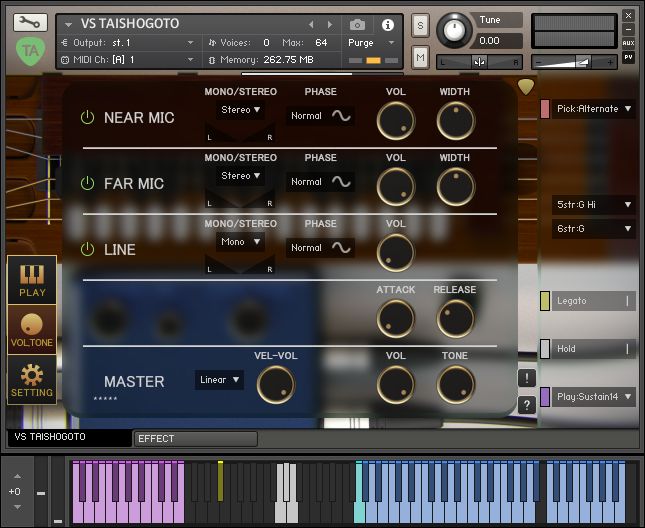
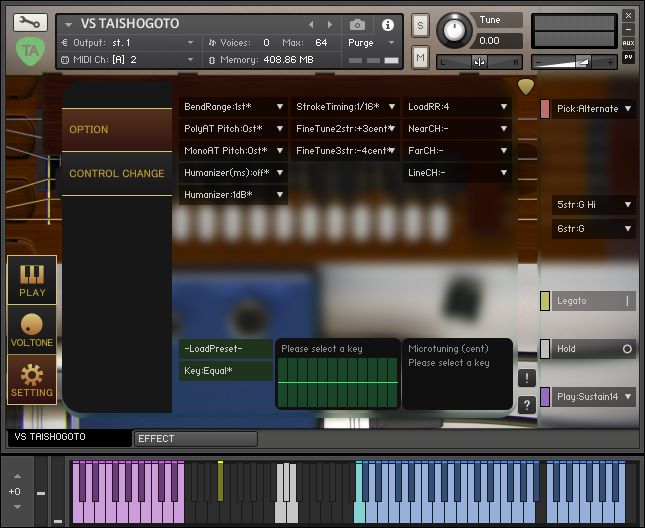
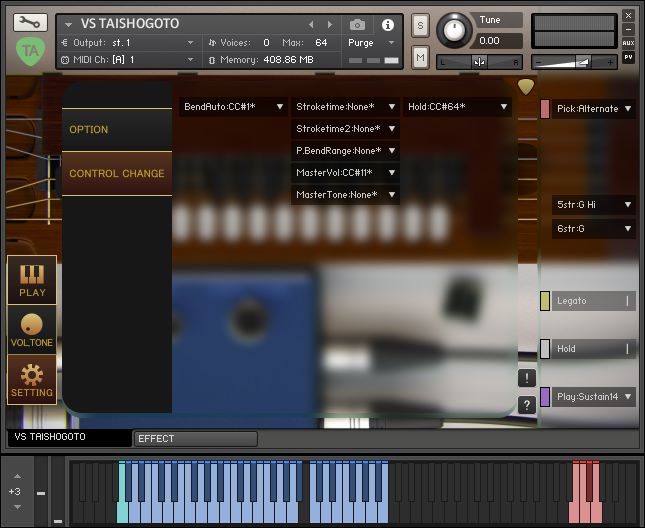
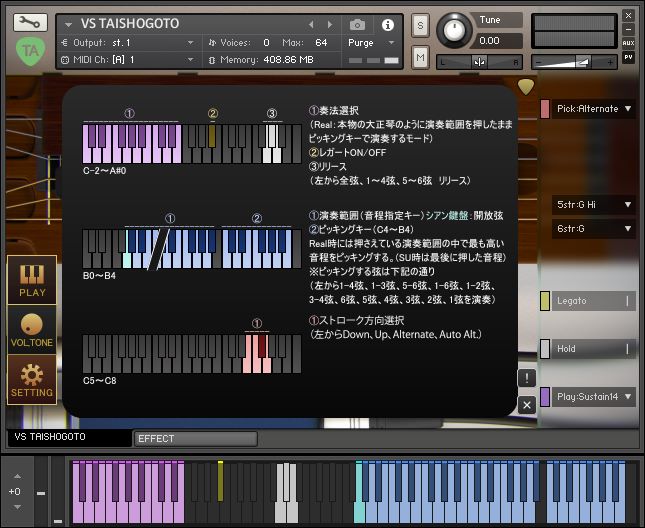
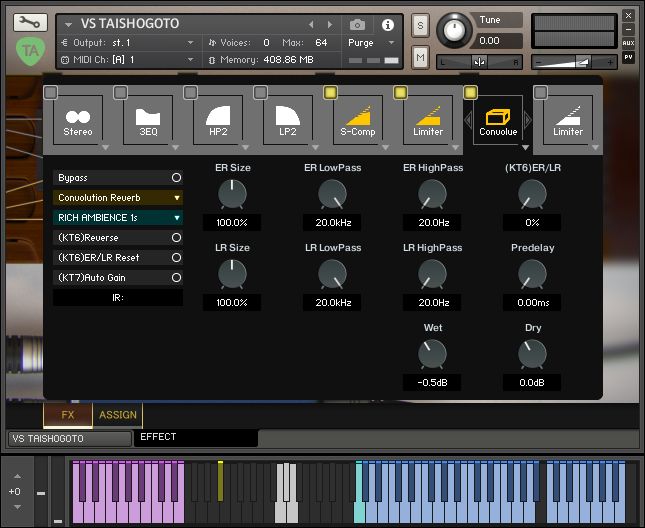
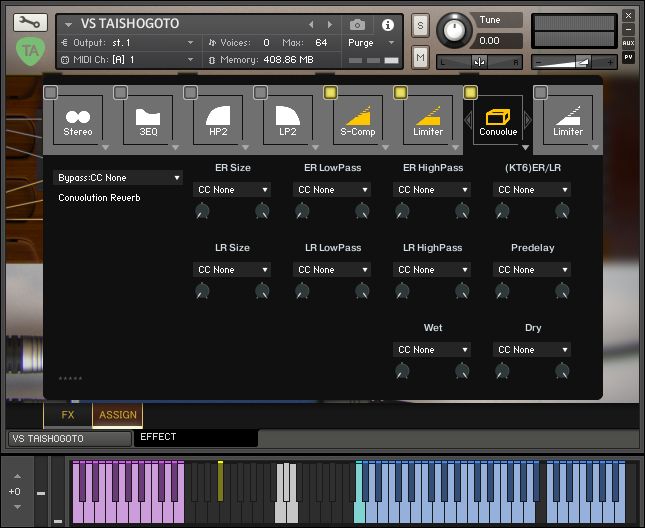
VS TAISHOGOTO is a Taishogoto instrument for KONTAKT. The script design for Taishogoto automatically processes key noise and mute associated with Taishogoto performance in appropriate situations. For example, when you play the same string, the previous note is automatically stopped so that multiple sustain notes do not sound on the same string at the same time. It is equipped with a mode in which you can press the pitch specification key and play with the picking key, just like a real Taishogoto. A key-on noise is emitted when the pitch specification key is pressed, and a key-off noise is emitted when the pitch specification key is released. There are multiple combinations of picking keys, such as a key that strumms the 1st to 4th strings at the same time, a key that strumms each string with a single note, and a key that only has the bass strings of the 5th to 6th strings. It also makes it easy to play the 1st string. In addition to the mode that simulates the realistic Taishogoto, it also has a mode that allows you to pick the notes as they are when you press the pitch specification key, so you can easily sketch and check the notes you type. Equipped with more than 30 types of effects, each parameter of the effect can be operated by controlling control by specifying the operation range. Although various key switches are arranged, there are cases where there are too many key switches and you do not notice that the settings have changed due to incorrect operation, which can lead to fatal mistakes. In such a case, turn off the colored switch on the left side of the main menu on the GUI to disable the corresponding key switch. This instrument also includes a CSL version of the instrument that is easier to use. |
|||||||
|
|||||||
*If the Instrument's version in the movie is old, the function is slightly different from the latest version.Screenshot is the latest version.
© 2026 Versus Audio | All rights reserved, Versus Audio.

Dark mode